

ImageCut CAD
베타Turn images into SVG and DXF cutting paths

Turn images into SVG and DXF cutting paths
사용해보기 ↗ImageCut CAD converts a PNG, JPG or WebP image into closed, millimeter-scaled SVG and DXF cutting paths for laser cutters, vinyl plotters and CNC. Upload a high-contrast image, adjust the threshold and check the closed contours (holes are kept), set the width in millimeters, then export. Preview, contour adjustment and sizing are free; each export costs 5 FloatPass credits (about $0.02) and includes both SVG and DXF, with no subscription. It outputs closed outlines, not DWG files or centerline drawings.
Convert PNG, JPG or WebP images into closed, millimeter-scaled SVG and DXF paths for laser cutters, plotters and CNC.
Turn images into SVG and DXF cutting paths
추천
비슷한 프로젝트

Describe Image
운영 중Turn photos and screenshots into editable descriptions, alt text and OCR text.

ChatPDFGPT
운영 중Chat with your PDFs using AI — upload a PDF and ask questions, get instant answers. Free tier available.
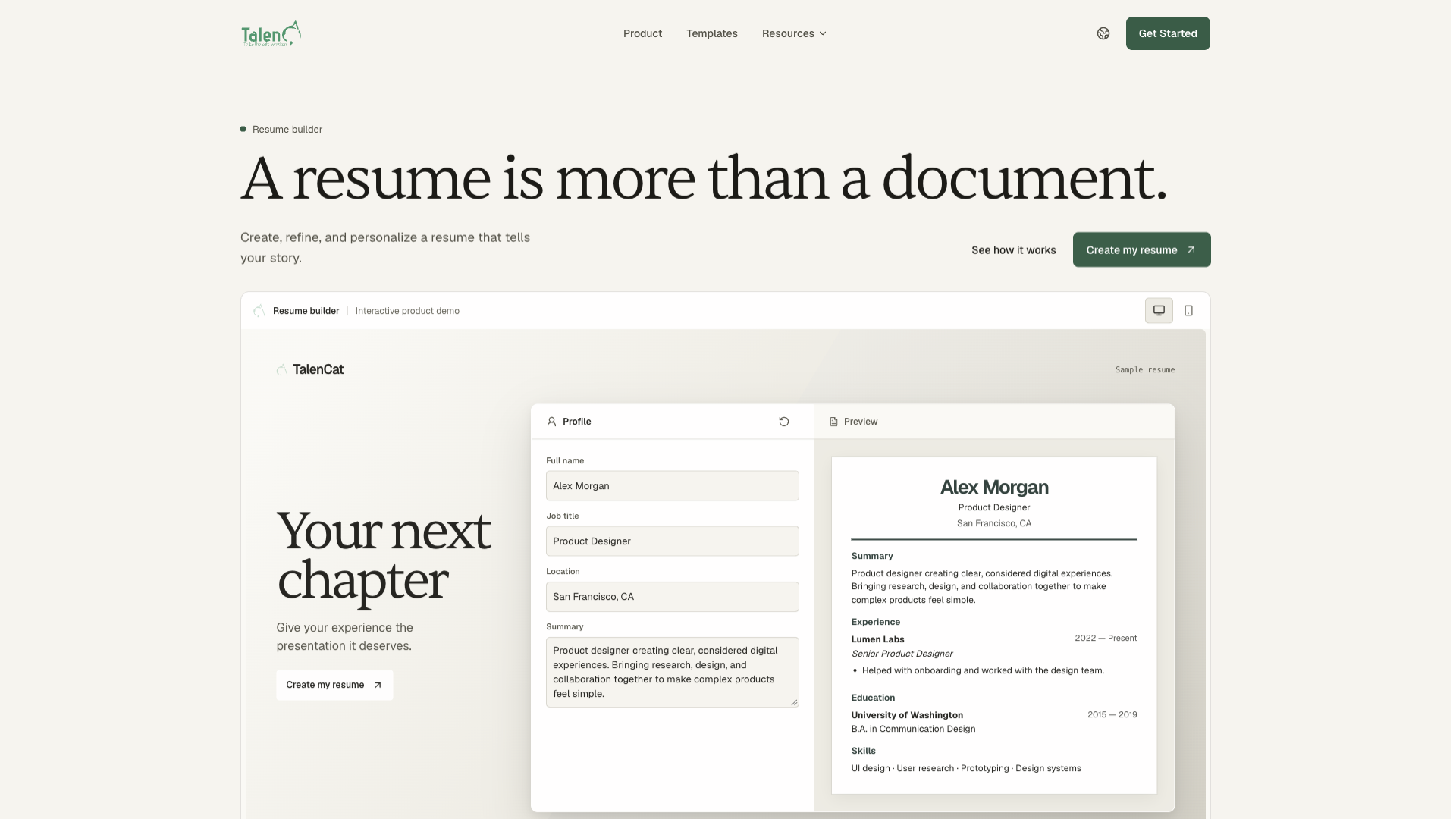
TalenCat CV Maker
운영 중Create and improve resumes with AI writing, templates and ATS-focused checks.
댓글
댓글과 피드백
Tried it on desktop and mobile (390px).
What works well: the sample tag is already traced on load, and moving the threshold 150 → 160 updated the stats instantly (nodes 2,238 → 2,259).
The main link opens the Chinese page
Repro: open
imagecutcad.com/with an en-US browser → Chinese page. OnlyENleads to/en.Suggestion: pick by browser language, or tell us and we'll point the Vibeollio link to
/en.Export jumps straight to a $5 top-up
Repro: signed out → click "Export DXF · 5 credits" → a FloatPass dialog with "Not signed in" and $5/$15/$30 packs. It doesn't say why sign-in is needed or if new accounts get free credits.
Suggestion: add "Sign in to export — your settings are kept" and any trial credits.
Out-of-range width snaps back silently
Repro: /en → canvas width → type 5000 (or 0) → Tab → the field quietly returns to 100.
Suggestion: clamp to 3000 and show "1–3000 mm".